AI
An assistant that knows your clients
Plan a story about the new coffee for Cafe Luna on Thursday at 18:00
Cafe Luna: story added for Thursday at 18:00.
About the new coffee: no photo yet. You can choose one from the media library here in the chat.
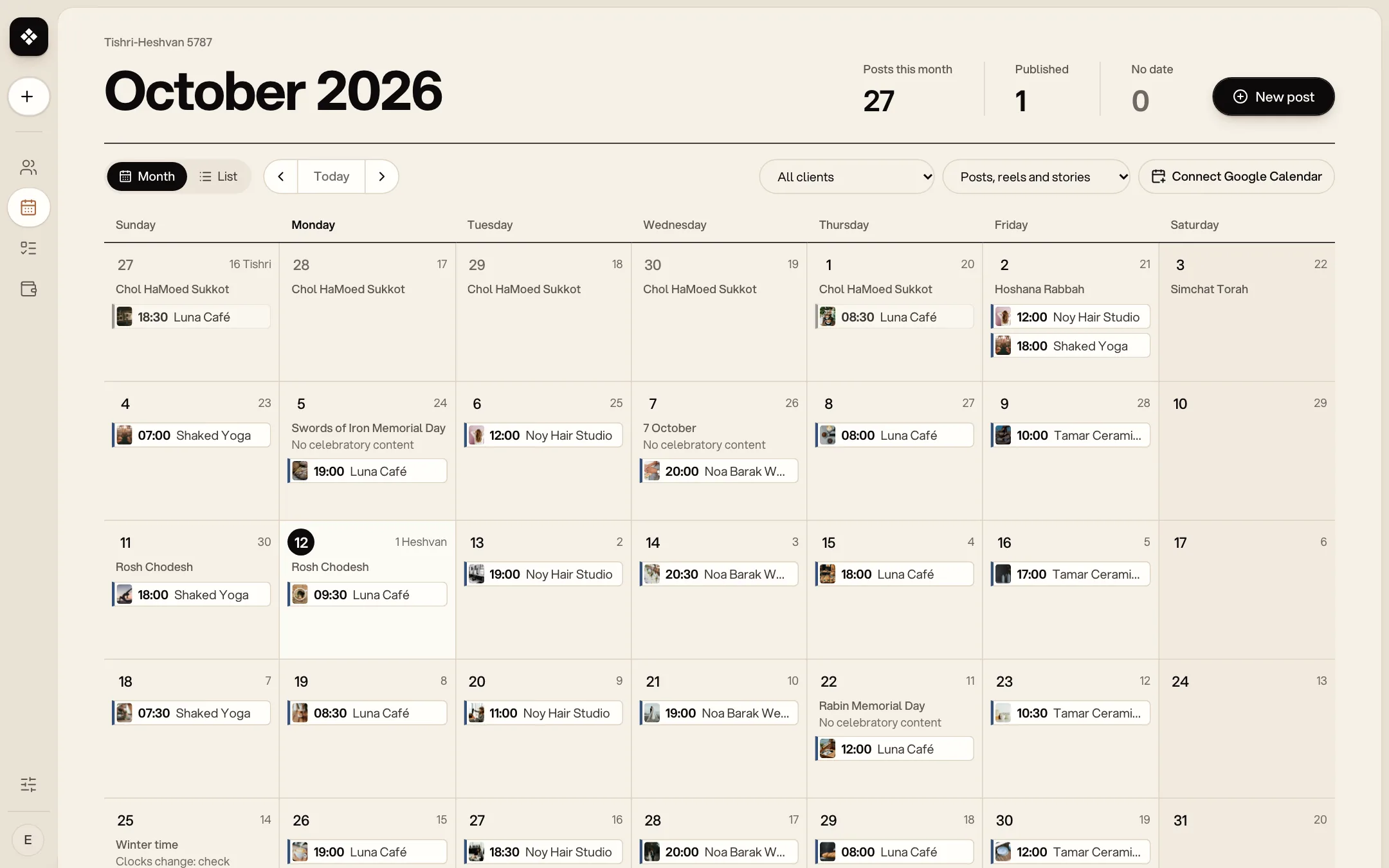
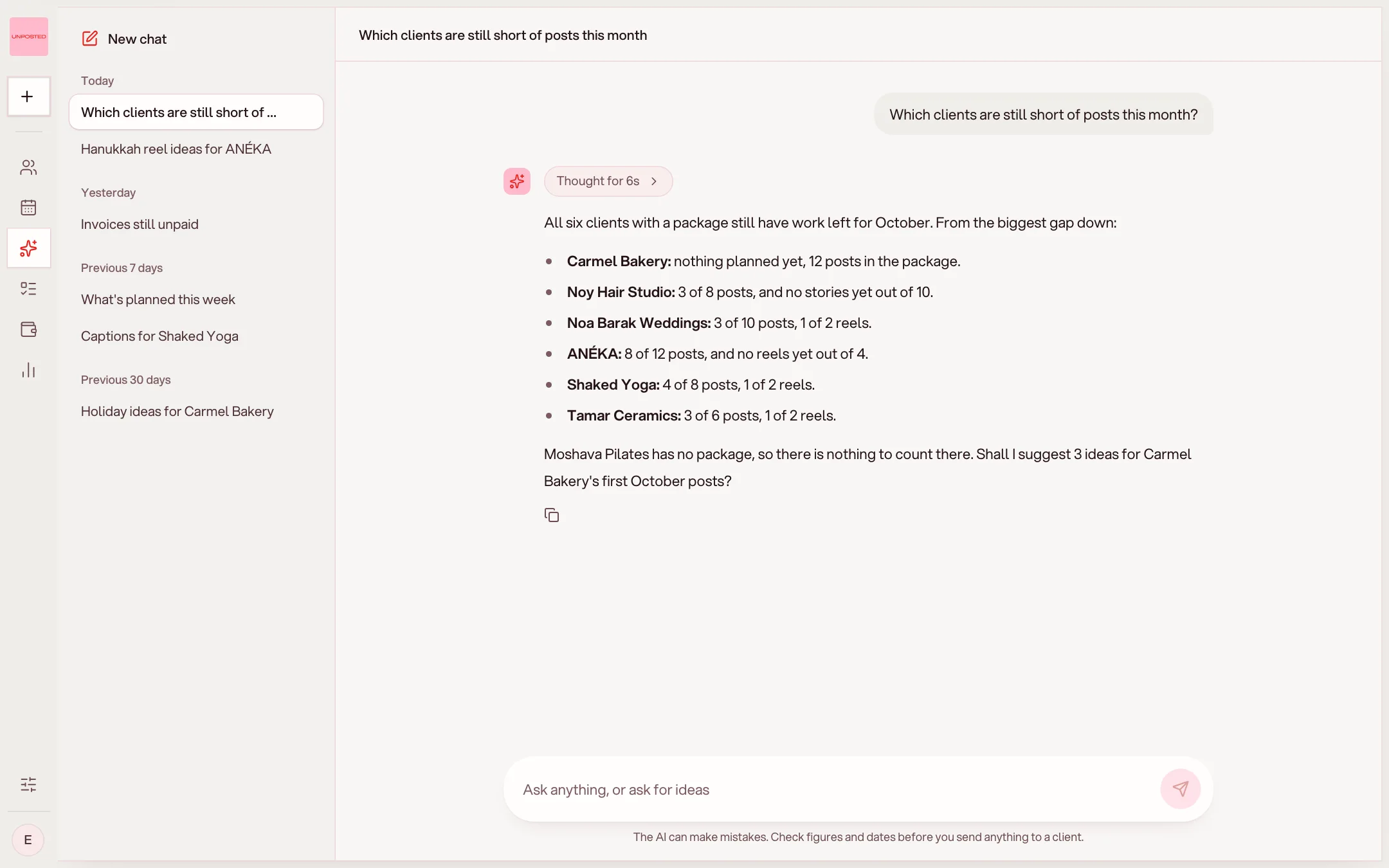
Answers from your own work
Questions about your work
Ask in your own words about one client or all of them. The AI looks up the posts, packages, tasks and invoices it needs, and shows each step while it works.
Ideas in the client's voice
Ask for post and reel ideas for a client. The AI knows their business, their area and their earlier captions, and the holidays and special days ahead.
Captions in the Studio
In the post editor, the AI writes a caption from the post's photos or polishes the one you wrote, in the style of the client's earlier captions. Add a short note to steer it, and undo brings your text back.
It reads, and acts when you ask
The AI changes nothing in the app by itself. When you ask, it adds a task to your to-do list, plans a post on the calendar, moves one to another day or deletes one. Your chats are seen by you alone. In the AI Pro and Agency plans, each studio has a generous daily AI allowance for questions and captions together; it resets at midnight.