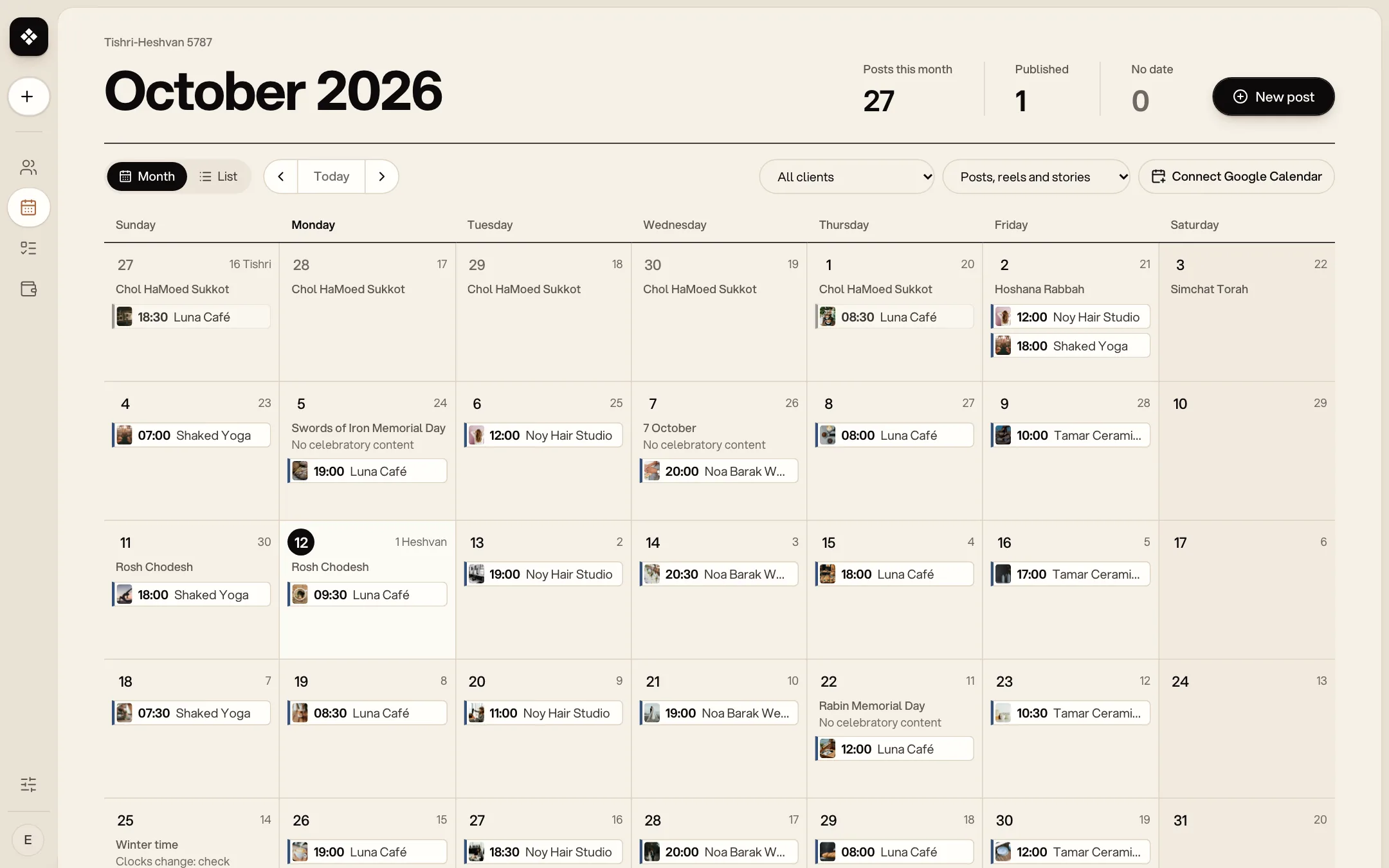
Studio
Plan the grid before you post
See the feed before it goes up
Plan on the board
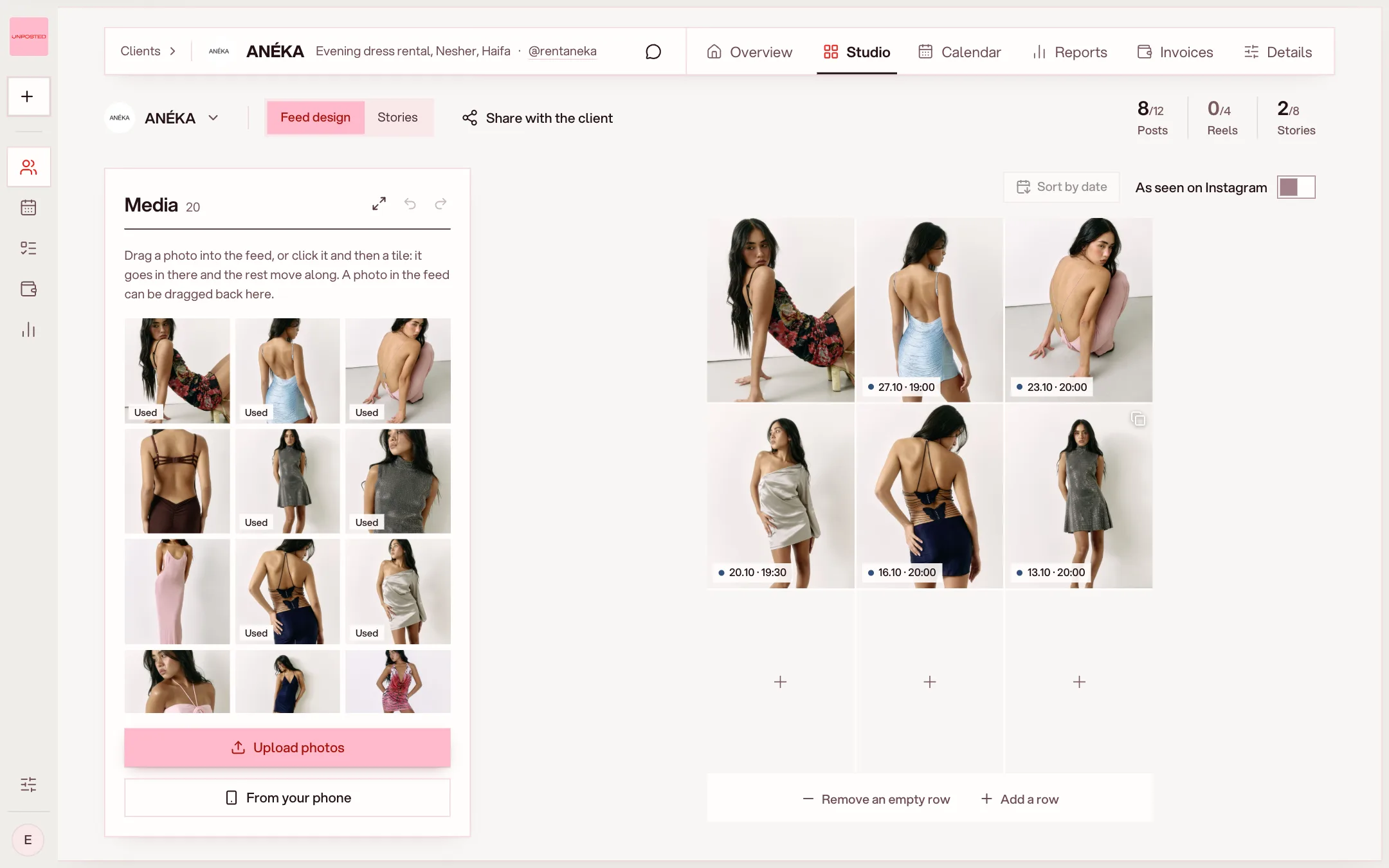
The posts still to go out sit on a grid with their dates, beside empty tiles that hold a place. Drag them into order, add or remove a row, sort by date and undo any step. Double-click a tile to crop its photo right there. Reordering never changes a post's date.
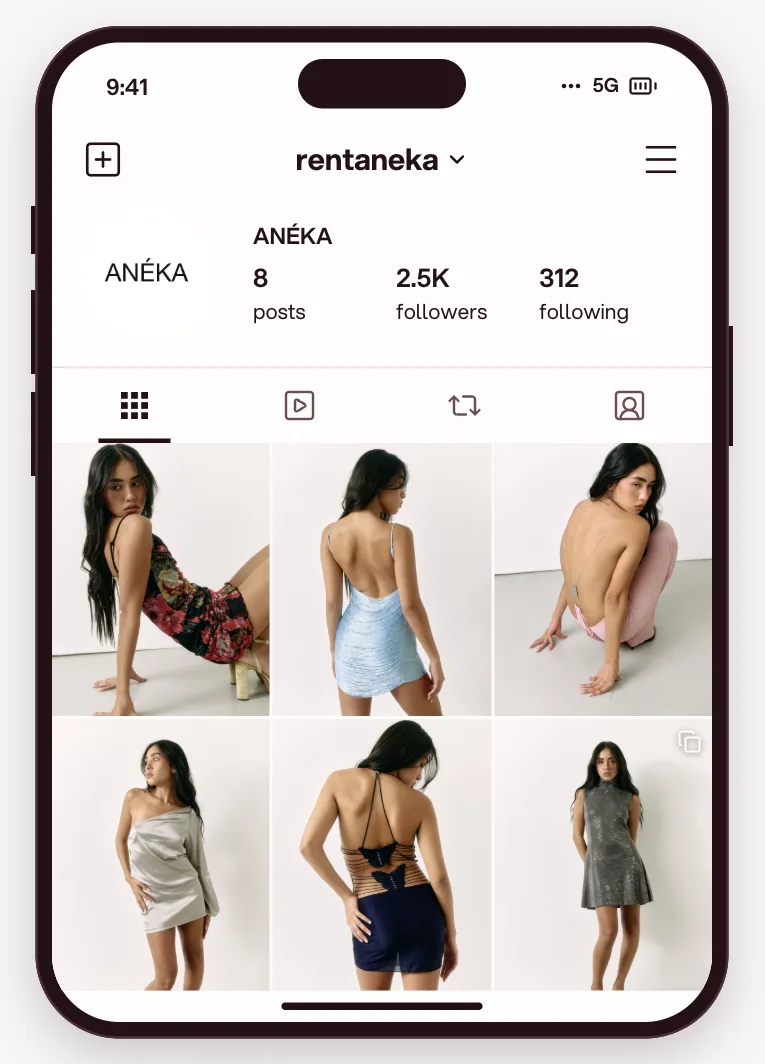
As seen on Instagram
One switch puts the grid in a phone, on the client's profile, without the dates and empty tiles. With the client's Instagram connected, the profile is the real one and the posts already on it follow the planned ones.
From your media to the feed
Upload from the computer, or scan a code and pick from your phone's gallery. Drag a photo onto a tile, or click it and then the tile, and it becomes a post in that place, with no date yet. Drop a video on the profile's Reels tab and it becomes a reel. Drag a post back to the panel to delete it, and undo brings it back.
Stories by day
A row of days opens the stories, which play as on Instagram. Pick a day and upload, and the story is saved on that day and shows in the calendar. Drag a photo or video onto the story to try it, then save your tries as stories on one day.
The post in one panel
Slides in order, crop and rotate, the caption, with AI if you want it, up to 5 hashtags, alt text, date, time, format and a reel's cover, all in one place. The preview shows the post as it will look on Instagram.
Show the client
Make one picture with the feed, the stories and the captions and send it on WhatsApp. Or send a viewing link: the client opens the plan with no sign-in and can't change anything. The link works for 7 days.