Try it now, no sign-up
Instagram grid planner
ANÉKA's feed, an evening dress rental in Nesher, is waiting here. Drag posts, swap places and watch the profile change. This is how feeds are planned in the unposted Studio.
rentaneka
12posts
Move freely, nothing is saved or posted.
Tap a post to show arrows that move it. The arrow keys move the focused post.
Drag a post to move it; on a phone, hold it a moment first. Tap a post to show arrows that move it.
How it works
Drag a post
Grab a post and move it to another place on the grid. The other posts shift to make room.
See the whole profile
Row by row, check that the colours alternate well and that two similar posts don't touch.
Move on to your clients
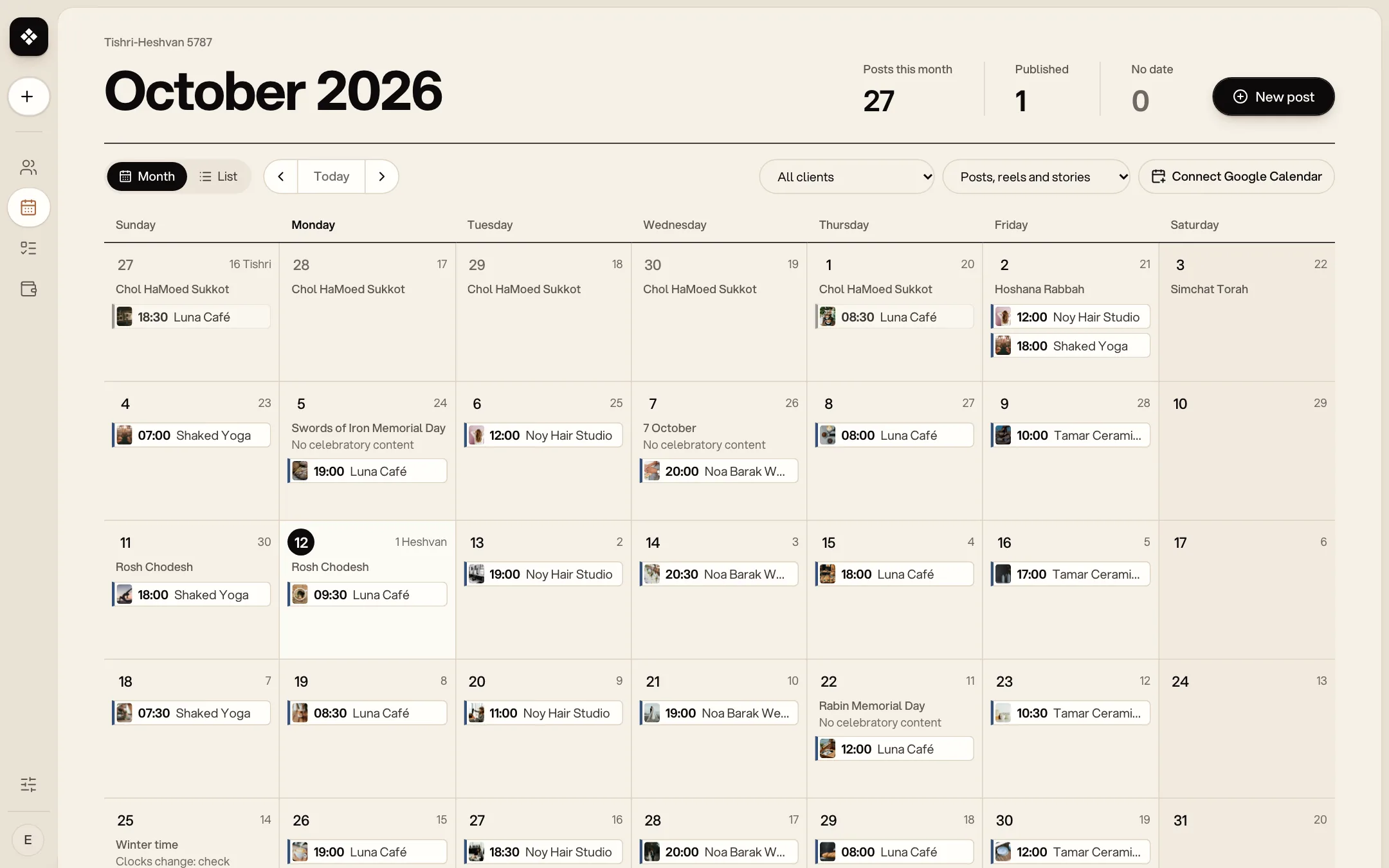
In the unposted Studio you upload each client's photos, arrange the grid, write captions and set dates.
Frequently asked questions
Can I try it with my own photos?
Here you move ANÉKA's posts. To plan with your own photos, open a studio on unposted, where each client's grid is saved.
Who is ANÉKA?
A real evening dress rental in Nesher, Israel. The photos are from the brand's own shoot, shared with its owner's permission, and it is also the sample client in every new studio.
What shape are the posts?
4 by 5 tiles, the size of a regular feed post. On the profile itself Instagram trims a little more from the sides, so keep the subject near the middle.
A grid for every client, with captions and dates
In the unposted Studio you plan each client's feed, write captions, set dates and send the client a link to view it. The first 14 days are free.